How to Get 10 Google Reviews in 30 Days Without Paying for Them
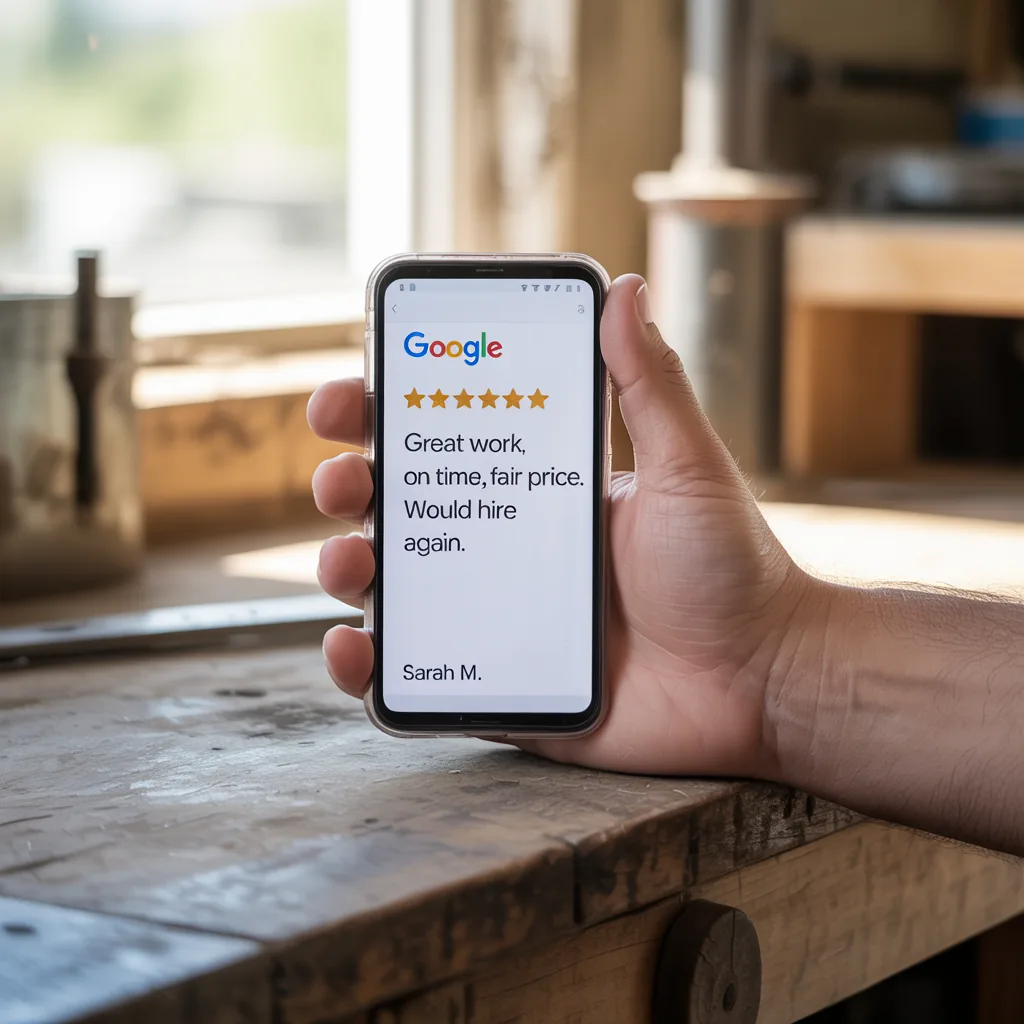
Any Hardin County service business with 15+ jobs per month can get 10 Google reviews in 30 days by pairing a 24-hour post-job ask via text with a pre-written one-tap reply link. The ask rate hits 60%+, completion rate lands around 25-35%, and the math works at 40-50 completed jobs minimum. Nothing about this requires discounts, gift cards, or incentives. It requires a system that asks at the right moment, makes the leaving process frictionless, and runs on autopilot so nobody on your team has to remember.
This playbook is what we install for service businesses in Elizabethtown KY, Radcliff KY, and across Hardin County KY. The mechanics are the same whether the business is HVAC, plumbing, auto detailing, lawn care, roofing, or home cleaning. If the job is completed in a customer's home or on their property, this works.
Why Does the 24-Hour Window After a Job Matter So Much?
The 24-hour window after a completed job is when the customer's memory of the service is sharpest and their emotional response is strongest. A text sent within 24 hours of job completion pulls a 60%+ read rate and a 25-35% completion rate on the review itself. Wait 72 hours and those numbers collapse by roughly half. Wait a week and most customers have moved on entirely.
The reason is simple: the customer remembers the technician's name, the price, the outcome, and whether it felt fair. That context is what produces a detailed review instead of a generic one-line rating. Google's algorithm rewards longer, keyword-rich reviews with more weight in local search, so the 24-hour window is not just about volume. It is about quality and local ranking lift.
Businesses in Fort Knox KY and Radcliff KY that serve military families have an even shorter window. PCS moves, deployment schedules, and shift work mean that a review ask sent three days later lands when the customer is already mentally packing. The 24-hour rule is non-negotiable for this market.
Should the Review Ask Go Out by Text or Email?
Text beats email on every metric that matters for a review ask. SMS open rates sit at 98% within the first 3 minutes of delivery. Email open rates in the service business vertical average 20-25%, and most of those opens happen after the 24-hour window has closed. If the goal is to get the customer to tap one link and leave a review while the job is fresh, text is the only channel that makes mathematical sense.
Email still has a role as a backup. If a customer does not respond to the text within 48 hours, a single follow-up email with the same one-tap link catches another 5-10% of the opt-in base. Past that, stop. More than two asks per job starts to feel like harassment and drags down the relationship.
The one exception is B2B commercial accounts where the billing contact is different from the on-site contact. In that case, text the on-site contact and email the billing contact. Both links should point to the same Google review destination so the business does not fracture its review flow across multiple profiles.
What Does a One-Tap Google Review Link Actually Look Like?
A one-tap review link is a direct URL that opens the customer's Google review form for your business with the rating panel already visible. No search. No scrolling. No hunting for your business name among ten similar results. The customer taps, rates, types, and submits. The whole process takes under 90 seconds.
The link comes from your Google Business Profile. Inside the profile dashboard there is a "Get more reviews" share option that generates a short URL in the format g.page/r/[unique-id]/review. That URL is what goes into every text. Do not send customers to a generic Google search for your business name. Every extra tap between the message and the review form costs you completion rate.
For businesses that do not yet have a claimed and optimized listing, that is the first fix. A properly set up Google Business Profile is the foundation that everything else sits on. No profile, no reviews, no local search visibility.
How Do You Set Pre-Job Expectations So the Ask Doesn't Feel Awkward?
The cleanest way to make the post-job ask feel natural is to mention the review at the start of the job, not the end. When the technician introduces themselves, they say something like: "When we wrap up today, you'll get a text asking how we did. If we earned it, a quick Google review means a lot to a small local team." That single sentence does three things. It normalizes the ask, it frames the review as earned rather than expected, and it warns the customer so the text is not a surprise.
Businesses that skip the pre-job mention still get reviews, but completion rates drop by 5-10 points because some percentage of customers see the text as unsolicited. Frame it early and the ask becomes part of the service experience rather than an afterthought.
In Elizabethtown KY and surrounding Hardin County KY markets, the "small local team" framing matters. Customers here actively choose local over national chains and they want to support businesses that ask directly and honestly.
Should You Ever Ask Customers for a Specific Star Count?
No. Asking for five stars, hinting at five stars, or offering any incentive tied to a specific rating is a direct violation of Google's review policy. It can get reviews removed, it can get profiles suspended, and in the worst cases it triggers a review integrity flag that tanks local ranking for months.
The correct ask is neutral: "How did we do?" or "Mind leaving us a quick review?" Let the rating be whatever the customer naturally gives. Businesses that deliver good service consistently average 4.7-4.9 stars without any rating nudging. Businesses that try to engineer five-star averages often end up with lower ratings because the manipulation shows up in review patterns that Google's spam detection catches.
What Are the Anti-Gating Rules You Have to Follow?
Review gating is the practice of filtering customers by satisfaction before sending them to Google. It looks like this: send every customer a survey, and only send happy customers the public review link while routing unhappy customers to a private feedback form. Google explicitly prohibits this practice. It is one of the fastest ways to get a Google Business Profile suspended.
The compliant version is to send every customer the same public review link regardless of how they feel about the service. If some of them leave a 2-star review, that is information. It tells you where the operation is breaking and it gives you a public chance to respond and fix the issue. Businesses that accept the occasional negative review and reply professionally often convert the complainer back into a defender, and future customers read the thread and see that the business actually cares.
Gating is also what full-service review automation systems are designed to prevent. A proper automation workflow sends every completed job to the same public destination. No branching. No filtering. No gating.
Can AI Help You Reply to Every Review Without Sounding Robotic?
AI-generated reply drafts have become the single biggest time-saver in reputation management. A reply that references the customer's name, the specific service performed, and one detail from their review takes a human 3-5 minutes to write. An AI layer trained on your business voice can draft the same reply in under 10 seconds. The human operator reviews, adjusts if needed, and posts.
Replying to every review, positive and negative, is a ranking signal. Google tracks response rate and response speed as part of profile activity. Businesses that reply to 100% of reviews within 48 hours outrank businesses with the same star average that ignore reviews entirely. The AI layer is what makes 100% response rate possible without adding staff hours.
The best setup combines AI drafts with a human final approval. Never let AI auto-post replies. Customer reviews contain edge cases, complaints, and occasional legal-sensitive content that requires human judgment before anything goes live.
Do You Really Have to Reply to Negative Reviews Too?
Yes, and negative reviews are actually where replies matter most. A thoughtful, specific, non-defensive reply to a 1-star or 2-star review tells every future customer reading the profile that the business takes ownership and handles problems in the open. That single reply often does more for conversion than the star average itself.
The formula is short. Acknowledge the specific issue. Apologize for the experience without making excuses. State what has been done or what you want to do to make it right. Provide a direct contact method to continue the conversation offline. Never argue the facts in public. Never accuse the customer of lying. Never get defensive about pricing or policy in the reply itself.
Customers in Radcliff KY and Fort Knox KY read negative review threads carefully because the military community talks. A business that handles a complaint well in public builds trust faster than a business with zero negative reviews and zero replies.
How Does Review Velocity Compound Over Time?
Review velocity is the rate of new reviews per month, and Google weights it heavily in local ranking. A business that goes from 12 reviews to 22 reviews in 30 days sends a stronger ranking signal than a business that already has 200 reviews and adds 10 more. Velocity is why the 10-reviews-in-30-days target matters even for businesses that already have decent totals.
The compounding effect is this: more reviews produce higher local ranking, higher ranking produces more profile views, more profile views produce more calls and booked jobs, more jobs produce more opportunities to ask for reviews. The cycle accelerates once the automation is running. Most businesses that install review automation see a sustainable pace of 10-20 new reviews per month after the first 60 days, which is enough to dominate local packs in markets like Hardin County KY.
The businesses that lose are the ones that run a one-time review push, hit their target, and stop. Google treats that pattern as inauthentic and the ranking lift disappears inside 90 days.
How Do You Track Completion Rate Without a Complicated Dashboard?
Completion rate is the metric that tells you whether the system is working. The formula is simple: reviews received divided by review requests sent. A healthy service business running a 24-hour SMS ask with a one-tap link should land between 25% and 35% completion. If the rate is below 20%, something is broken. Either the timing is wrong, the message is too long, the link is pointing to the wrong destination, or the service itself is generating lukewarm experiences.
Tracking does not require a complex BI tool. A weekly one-line summary works: jobs completed this week, review asks sent, reviews received, completion rate. Review that number every Monday morning. If it drops two weeks in a row, pull the last 20 requests and audit the message, the timing, and the link.
Every missed review is missed revenue because every review directly affects future conversion rate on every prospect who reads the profile before calling. The businesses that treat reviews as a sales asset rather than a vanity metric are the ones that pull ahead in local markets.
What's the Simplest Way to Install This System This Week?
Three steps. First, confirm the Google Business Profile is claimed, verified, and optimized. Pull the short review URL from the "Get more reviews" share panel. Second, set up an automated SMS trigger that fires 24 hours after every job completion in your CRM or job management software. The message template should be under 160 characters, use the customer's first name, reference the job briefly, and include the one-tap link. Third, set a weekly calendar block to review and reply to every new review with AI-assisted drafts.
For businesses that do not have a CRM capable of triggering post-job texts, the full stack is what HBH installs under review automation. The system handles the trigger, the AI reply layer, the weekly completion rate report, and the monthly review velocity dashboard. The typical result for a Hardin County KY service business is 10-15 reviews in the first 30 days and a sustainable 10-20 per month after that.
If your business is doing 15+ jobs per month in Elizabethtown KY, Radcliff KY, Fort Knox KY, or anywhere in Hardin County KY and you do not yet have review automation running, this is the fastest, cheapest, highest-leverage marketing fix available. Zero ad spend. Zero incentive cost. Compounding local ranking benefit from month one.
Ready to install review automation for your Hardin County business? Horizon Business Hub builds the full stack: 24-hour SMS trigger, one-tap review link, AI reply layer, and weekly completion dashboard. See the system at horizonbusinesshub.com/review-automation.
About the author

Justin Fernandez owns Horizon Business Hub (digital infrastructure for SMBs), Horizon Pack and Ship (two-location retail shipping in Radcliff and Elizabethtown), and Horizon Print Shop. He architects the agency stack from inside an actively-running multi-unit operation, not from a consulting chair. The goal is simple: bring enterprise-grade support to everyday businesses. What owners actually need, not what sounds impressive in a deck.
Read full bio →